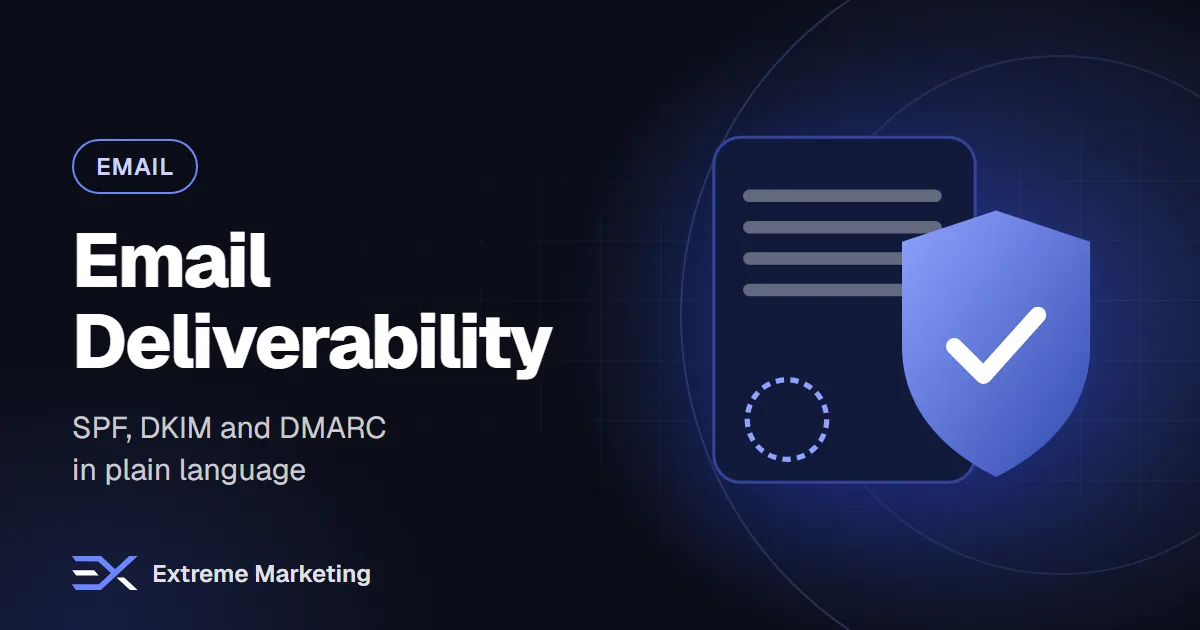
You can write the perfect email and still get no results if it lands in spam or never arrives. Deliverability is the work of making sure your messages reach inboxes. It involves technical authentication, list quality, content and sending habits. The technical part sounds scary, but the core idea is simple: you are proving to mailbox providers that your emails really come from you.
This guide explains SPF, DKIM and DMARC in plain language and gives you a practical checklist. If you are not technical, you can hand the setup steps to your web developer or email provider.
Why authentication matters
Anyone can try to send an email pretending to be your business. Mailbox providers such as Gmail, Outlook and Yahoo have to decide whether to trust a message. Authentication gives them evidence. Major providers have also tightened expectations for bulk senders in recent years, so proper setup is no longer optional if you send marketing email at scale. Check each provider's current sender guidelines, as the rules change.
SPF: who is allowed to send
SPF stands for Sender Policy Framework. It is a record in your domain's DNS settings that lists the servers and services allowed to send email for your domain. When a message arrives, the receiving server checks whether the sender is on that list.
- It is published as a TXT record on your domain.
- It must include every service that sends email for you: your email provider, your marketing platform, your CRM and your website forms.
- A domain should have only one SPF record. Multiple records cause errors.
- There is a limit on the number of lookups an SPF record can trigger, so avoid adding too many services without checking.
DKIM: a signature that proves the message was not altered
DKIM stands for DomainKeys Identified Mail. Your sending service adds a digital signature to each message. A public key published in your DNS lets receivers verify the signature. If the signature checks out, the message really came from an authorised sender and was not changed in transit.
- Your email platform usually gives you the DNS records to add.
- Each service that sends for you often needs its own DKIM setup.
- Use the key length and settings your provider recommends.
- Check that the records are active after publishing, as DNS changes can take time.
DMARC: the policy and the reporting
DMARC stands for Domain-based Message Authentication, Reporting and Conformance. It builds on SPF and DKIM. It tells receivers what to do if a message fails authentication and sends you reports about who is sending email using your domain.
- Policy 'none': monitor only. Nothing is blocked, but you receive reports.
- Policy 'quarantine': suspicious messages are treated as spam.
- Policy 'reject': failing messages are refused.
- Alignment: the domain in the visible From address should align with the domains checked by SPF or DKIM.
A sensible path is to start with a monitoring policy, review the reports, fix any legitimate senders that fail, and then move to stricter policies when you are confident. Moving too fast can block your own legitimate email.
A simple setup checklist
- List every service that sends email using your domain.
- Create or update one SPF record that includes them all.
- Enable DKIM in each service and publish the DNS records.
- Create a DMARC record with a monitoring policy and an address to receive reports.
- Send test emails to major providers and check the headers for passes.
- Review DMARC reports for a few weeks.
- Tighten the policy gradually.
Use your own domain properly
- Send marketing email from an address on your own domain, not a free webmail address.
- Use a sending subdomain, such as one reserved for marketing, if you want to separate marketing and transactional reputation.
- Keep your From name consistent.
- Make sure replies go to a monitored inbox.
Authentication is not enough
Passing SPF, DKIM and DMARC proves identity but does not guarantee inbox placement. Providers also look at how recipients react to your emails and at the quality of your list.
List quality
- Send only to people who opted in.
- Never buy or scrape email lists.
- Remove addresses that bounce.
- Pause or re-confirm subscribers who have been inactive for a long time.
- Use clear sign-up forms that say what people will receive.
Engagement
- Send content people want and open.
- Segment your list so messages are relevant.
- Make it easy to unsubscribe, because a fast unsubscribe is better than a spam complaint.
- Encourage replies, which signal real engagement.
Content and sending habits
- Avoid misleading subject lines.
- Do not use link shorteners from unknown services.
- Keep the balance between images and text reasonable.
- Warm up new domains or new sending services by starting with small, engaged segments and increasing volume gradually.
- Avoid sudden large spikes in volume.
- Include your business name and address and an unsubscribe link.
Monitor your reputation
- Watch bounce rates and spam complaint rates in your email platform.
- Use the free postmaster tools offered by large mailbox providers to see domain reputation and authentication results.
- Test delivery to your own accounts at different providers.
- Check whether your domain or sending IP appears on public blocklists if delivery drops suddenly.
Common problems and fixes
- Emails go to spam only at one provider: check that provider's postmaster tool and recent complaints.
- SPF fails: confirm you included all senders and have only one SPF record.
- DKIM fails: confirm the DNS record was published exactly and the selector matches.
- DMARC fails: check alignment between the From domain and the authenticated domain.
- Sudden drop in opens: check authentication, list changes and any recent volume changes.
Frequently asked questions
Do small businesses need DMARC?
Yes, at least a monitoring policy. It protects your domain from misuse and is increasingly expected by mailbox providers.
How long do DNS changes take?
Often minutes, sometimes longer. Wait and then test.
Will authentication guarantee the inbox?
No. It is the foundation. Content, list quality and engagement still matter.
Our email marketing team can audit your domain setup, fix authentication and build campaigns that reach the inbox. Message us on WhatsApp or book a free 30-minute call.
Want help putting this into practice?
Book a free audit and we will review your marketing and suggest the quickest wins.