In the UAE, a lot of buying decisions happen in a chat. People ask about price, availability, delivery or appointment times, and they expect an answer within minutes. Click-to-WhatsApp ads are built for exactly that behaviour. Instead of sending someone to a form they may never finish, the ad opens a conversation with your business.
This guide explains what these ads are, how to set them up, what to write in the first message and, most importantly, how to handle the conversations so that they turn into customers.
What a click-to-WhatsApp ad is
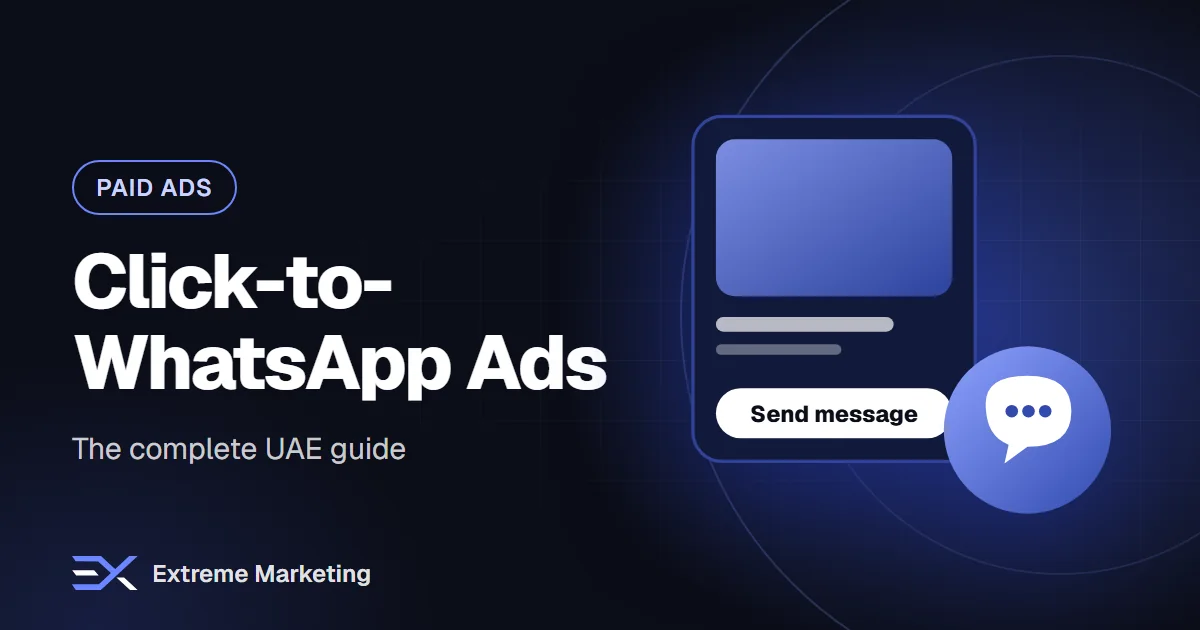
It is an ad on Facebook or Instagram whose button, for example 'Send message', opens a WhatsApp chat with your business number. The person lands in a chat with a pre-filled message or a welcome greeting that you control. From there, your team or an automated assistant continues the conversation.
The ad itself looks like any other Meta ad: an image, video or carousel with text. The difference is the destination and, therefore, the kind of result you measure: conversations started rather than page visits.
When this format works well
- Services that need a quick question before booking, such as clinics, salons, home services, car services and tutoring.
- High-consideration purchases where people want to ask something first: property, furniture, events, courses.
- Products with variations in size, colour or delivery, where a human answer closes the sale.
- Businesses whose customers already use WhatsApp daily, which is most of the UAE.
When it does not work well
If you cannot reply quickly, the format will hurt you. A customer who messages at 9pm and hears nothing until noon has usually moved on. Low-priced impulse products with a simple checkout are often better served by a direct link to a fast mobile page.
Step-by-step setup
1. Prepare your WhatsApp number
Decide which number will receive chats. Use a business number, not a personal one. Connect it to your Facebook page and Instagram account through Meta Business settings so that ads can use it. If several people will reply, plan for a shared inbox or the WhatsApp Business API instead of one phone.
2. Choose the campaign objective
In Meta Ads Manager, pick the objective that matches your goal, such as leads or sales, and select messaging apps, then WhatsApp, as the conversion location. Keep one campaign per goal so the data stays readable.
3. Write the first message
You can set a greeting and a few quick-reply questions so people do not face a blank screen. Make them useful and specific.
- 'Hi! Which service are you interested in?' with buttons for your top three services.
- 'What is your budget range?' only if it helps you qualify, not as an interrogation.
- 'When would you like to visit?' for appointment businesses.
4. Build the creative
Show the result or the problem solved in the first seconds. Say clearly what happens when they tap: 'Message us on WhatsApp for a quote in minutes'. Use Arabic and English versions and test them against each other.
5. Set the audience and budget
Start with a broad audience in the emirates you serve and let Meta find people likely to message. Begin with a budget you can sustain for at least a week, then adjust based on cost per conversation and, more importantly, cost per qualified conversation.
What to do after someone messages
The ad only starts the process. The chat decides the result. These habits make the difference.
- Reply fast. Aim for minutes, not hours. Use an automated first response if you cannot always be online.
- Use saved replies for common questions such as price, location and opening hours, but personalise the first line.
- Ask two or three qualifying questions early: what do they need, when, and where.
- Move to a clear next step: a quote, a booking, a payment link or a call.
- Follow up once if they go quiet, politely and with something useful.
- Record the outcome so you know which ads produce real customers.
Using AI and automation
An AI assistant on the WhatsApp Business API can answer common questions instantly, collect the customer's details and pass the chat to a human when it gets complicated. This is useful for out-of-hours messages and busy campaign days. Check that it handles both Arabic and English naturally, and always give people an easy way to reach a person.
Consent and messaging rules
When someone starts a chat from your ad, they have opened the conversation, and you can reply within the allowed service window. Outside that window, you generally need approved message templates and the person's permission to be contacted. Keep records of consent, make it easy to stop messages and follow WhatsApp's business policies.
How to measure success
- Cost per conversation started: a leading indicator.
- Reply time: how quickly your team answers.
- Qualified conversations: chats from people who fit your service and area.
- Cost per customer: the number that decides whether the campaign continues.
- Revenue per conversation: tells you how much you can afford to pay for a chat.
Common mistakes
- Sending traffic to a number that is not monitored.
- A vague first message that makes people close the chat.
- Reporting only on cost per click or per conversation, ignoring sales.
- Using one phone for several staff, so messages are missed or duplicated.
- Never testing the Arabic version.
A simple launch checklist
- Business number connected to Meta.
- Welcome message and quick replies written in both languages.
- At least three ad creatives with different hooks.
- A saved-reply library for the top ten questions.
- A named person responsible for replies each day.
- A sheet or CRM to record outcomes.
If you want help, our Meta Ads team builds click-to-WhatsApp campaigns, and Vibbly, our WhatsApp Business API platform, gives your team a shared inbox with AI replies in Arabic and English.
Want help putting this into practice?
Book a free audit and we will review your marketing and suggest the quickest wins.