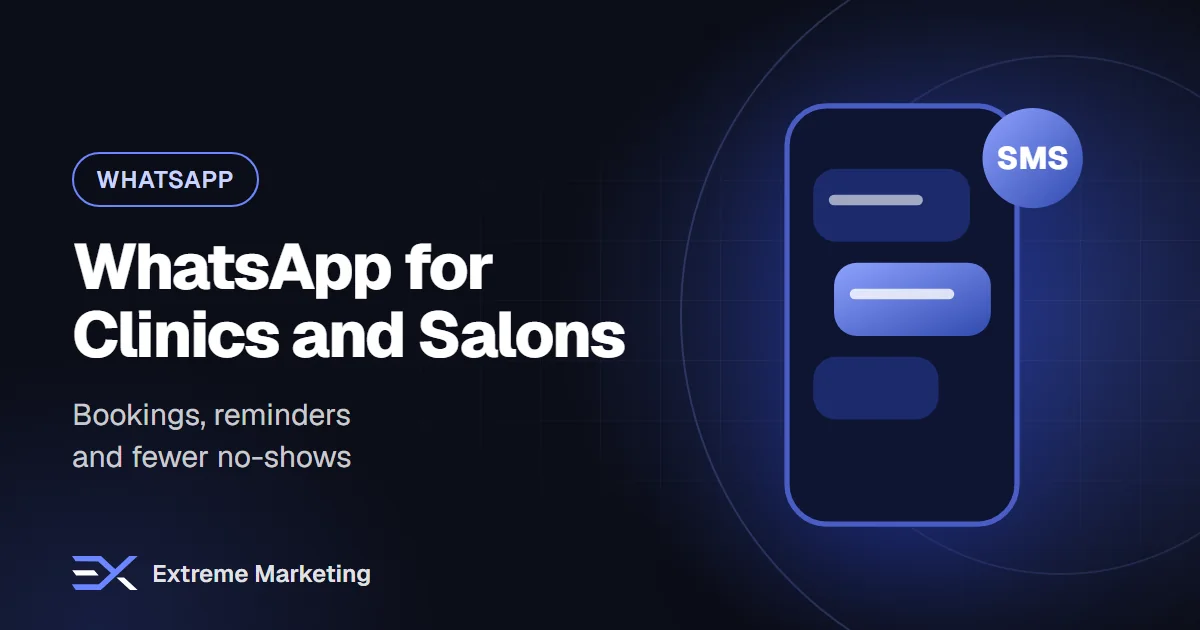
For clinics, salons and spas, an empty chair is lost revenue that cannot be recovered. Customers often decide to book at odd hours, from a phone, after seeing an Instagram post or a recommendation. If the reply comes tomorrow morning, they have often booked somewhere else.
WhatsApp suits appointment businesses well because people already use it all day, and a chat is easier than a form or a phone call. This guide shows how to use it for the whole journey: enquiry, booking, reminder, aftercare and rebooking.
The appointment journey on WhatsApp
- Discovery: a customer taps a WhatsApp button on your Instagram bio, Google profile, website or ad.
- Enquiry: an assistant or team member answers questions about services and prices.
- Booking: the customer chooses a time and receives a confirmation.
- Reminder: an automatic message arrives before the appointment, with options to confirm or reschedule.
- Visit: staff are ready with the right information.
- Aftercare: a message with instructions, a thank-you and a request for feedback.
- Rebooking: a reminder when it is time for the next visit.
Step 1: Make it easy to start a chat
- Add a WhatsApp button to your website, Instagram profile and Google Business Profile.
- Use click-to-WhatsApp ads for promotions and new services.
- Place a QR code at reception, on receipts and on printed materials.
- Set a clear greeting that explains what the chat is for.
Step 2: Answer questions instantly
Most enquiries are the same ten questions. Prepare accurate answers and let an assistant handle them in Arabic and English, outside working hours too.
- What treatments or services do you offer?
- How much does it cost, and what is included?
- How long does it take?
- Do you have availability this week?
- Where are you located and where can I park?
- Do I need to prepare in any way?
For medical practices, keep the assistant to general information, booking and logistics. Clinical advice, diagnosis and sensitive personal details should stay with qualified staff and follow the privacy and professional rules that apply to you.
Step 3: Book with minimal friction
Offer two or three available slots rather than asking an open question. Collect only what you need: name, service, preferred time and a contact number. Confirm immediately with the date, time, location and any preparation instructions.
Step 4: Reminders that reduce no-shows
No-shows and late cancellations leave gaps that are hard to fill. A reminder message works because it is read and it is easy to answer.
- Send a confirmation right after booking.
- Send a reminder the day before, with a way to confirm, reschedule or cancel.
- Send a short message on the morning of the appointment if appropriate.
- If a customer cancels, offer the next available slot straight away.
- Fill cancelled slots by offering them to a waiting list.
Reminders are typically sent as approved utility templates when outside an open conversation window, so write them clearly and keep a version in each language.
Message templates to adapt
- Confirmation: 'Hello [Name], your [service] is booked for [date] at [time] at [location]. Reply 1 to confirm or 2 to change.'
- Reminder: 'A friendly reminder of your appointment tomorrow at [time]. We look forward to seeing you.'
- Aftercare: 'Thank you for visiting us today. Here are your aftercare tips: [tips]. Reply here if you have any questions.'
- Rebooking: 'It has been [X] weeks since your last visit. Would you like to book your next appointment?'
Step 5: Aftercare and feedback
A message after the visit shows you care and helps with results. Include clear instructions, a number to reach the team and, a day or two later, a polite request for a Google review. Good reviews are among the strongest drivers of new bookings.
Step 6: Build repeat visits
- Segment customers by service and last visit date.
- Send rebooking reminders at the right interval for each service.
- Share seasonal offers or new treatments with people who opted in.
- Celebrate birthdays or milestones with a small gesture, if customers agreed to receive it.
Consent and privacy
Only message people who agreed to hear from you on WhatsApp, explain what they will receive and make opting out easy. Keep sensitive information to a minimum in chats, store data securely and follow the data-protection and healthcare rules relevant to your business.
Team workflow
- Assign conversations to specific team members in a shared inbox.
- Set response-time goals, such as replying within a few minutes during opening hours.
- Use internal notes for context, for example allergies or preferred stylist.
- Review missed or slow replies weekly.
Metrics to track
- Number of chats started and bookings made.
- No-show and late-cancellation rate before and after reminders.
- Average first response time.
- Rebooking rate.
- Reviews received.
Common mistakes
- Taking bookings on one personal phone that staff share.
- Replying hours later.
- Asking for too much information up front.
- Sending reminders without a way to reschedule.
- Mixing medical advice into automated replies.
Frequently asked questions
Can we keep using the WhatsApp Business app?
For a very small team, yes. Once several people need to answer or you want automation and reminders at scale, the WhatsApp Business API with a shared inbox is a better fit.
Can reminders be sent in Arabic and English?
Yes. Prepare approved templates in both languages and choose the language per customer.
How quickly will no-shows fall?
Results vary, but most businesses see improvement once reminders and easy rescheduling are in place. Track your own numbers to be sure.
Vibbly gives clinics and salons a shared inbox, appointment reminders and Arabic and English AI replies. Message us on WhatsApp or book a free 30-minute call for a walkthrough.
Want help putting this into practice?
Book a free audit and we will review your marketing and suggest the quickest wins.