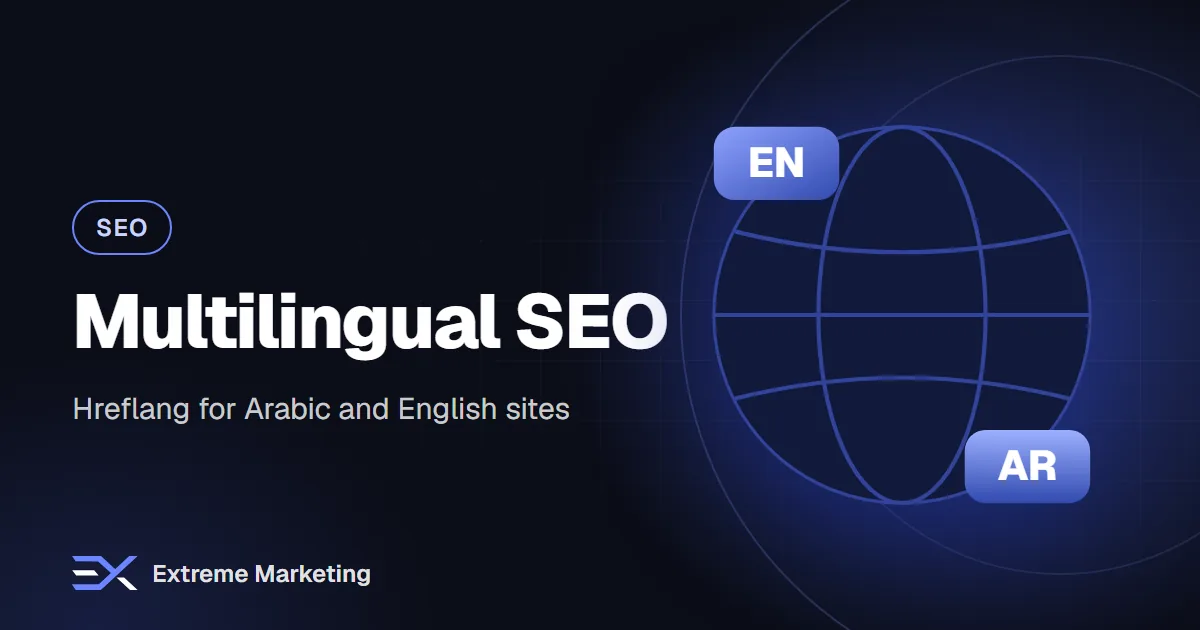
Many UAE businesses serve customers in both Arabic and English. A bilingual website can win searches in both languages, but only if it is set up correctly. Without clear signals, search engines may show the wrong language to the wrong person, treat translations as duplicates or ignore one version entirely.
This guide explains the main parts of multilingual SEO in plain language, including the hreflang tag that confuses many site owners.
Choose a URL structure
Each language version needs its own URL. The common options are:
- Folders: example.com/en/ and example.com/ar/. This is simple, keeps authority on one domain and is easy to manage. It is the most common choice for small and medium sites.
- Subdomains: en.example.com and ar.example.com. Works, but search engines may treat them more separately.
- Separate domains: example.com and example.ae with different languages. Suits large brands with separate teams, but needs more work.
- Parameters: example.com?lang=ar. Not recommended, as they are harder for search engines and users.
Whatever you choose, keep it consistent, and avoid serving different languages on the same URL based on cookies or browser settings.
What hreflang does
Hreflang is a tag that tells search engines which language (and optionally region) each page is for, and which pages are translations of each other. It helps search engines show the Arabic page to Arabic-speaking searchers and the English page to English-speaking ones.
How to write hreflang tags
Each page lists all its language versions, including itself. For a page that exists in English and Arabic, the head of each page would contain annotations like these.
- English page: a tag with hreflang 'en' pointing to the English URL, a tag with hreflang 'ar' pointing to the Arabic URL and an 'x-default' tag pointing to your default version.
- Arabic page: the same three tags, with identical URLs.
You can add hreflang in the page head, in HTTP headers or in your XML sitemap. Choose one method and keep it consistent.
Hreflang rules to remember
- Tags must be reciprocal: if page A points to page B, page B must point back to page A.
- Each page should include a reference to itself.
- Use correct language codes: 'en' for English, 'ar' for Arabic. Add a region only when you really have region-specific versions, such as 'ar-AE'.
- Use full, absolute URLs.
- Point only to pages that exist, return a normal status and are not blocked.
- Use the x-default tag for the version you want shown when no language matches.
Use canonical tags correctly
Each language page should have a canonical tag pointing to itself. Do not point the Arabic page's canonical to the English page, because that tells search engines to ignore the Arabic version. Canonicals handle duplicates within a language; hreflang handles equivalents across languages.
Create a language-aware sitemap
- List every important page in each language.
- Optionally include the hreflang annotations in the sitemap.
- Submit the sitemap in Search Console.
- Keep the sitemap updated when pages change.
Set language and direction in the HTML
- Set the lang attribute: 'ar' on Arabic pages and 'en' on English pages.
- Set the text direction to right-to-left on Arabic pages.
- Make sure fonts support Arabic well.
- Test forms, menus and layouts in both directions.
Build a visible language switcher
- Provide a clear link to the other language on every page.
- Link to the equivalent page, not just to the home page of the other language.
- Use normal links that crawlers can follow, not scripts only.
- Write the language names in their own language: 'العربية' and 'English'.
Avoid automatic redirects
Redirecting visitors automatically based on location or browser language can block search engine crawlers and frustrate users who want the other version. If you redirect the root URL by language, make sure each language page remains directly accessible, and always let users switch.
Translate properly
- Use native writers, not machine translation alone.
- Adapt keywords: research Arabic searches separately instead of translating English keywords.
- Translate titles, descriptions, headings, image alt text and structured data.
- Localise examples, units, currency formats and cultural references.
- Keep both versions updated when facts change.
Our Arabic SEO guide explains keyword research and writing for Arabic in more detail.
Internal linking across languages
Link Arabic pages to other Arabic pages and English to English within the body content. Use the language switcher and hreflang to connect translations. This keeps each language version coherent.
What if some pages exist in only one language?
That is fine. Add hreflang only between pages that actually have equivalents. Do not point to a page that does not exist or a generic page that is not a true translation.
How to test your setup
- View the page source and check the hreflang tags and canonical.
- Use Search Console to check indexing for both language folders.
- Search for your pages in both languages from different devices.
- Use a crawler tool or an hreflang checker to find missing return links.
- Review the international targeting or related reports for errors.
Common mistakes
- Missing return links between language versions.
- Canonical pointing to the other language.
- Using wrong language codes.
- Redirecting by IP address only.
- Mixing both languages on the same page without clear structure.
- Machine-translated content with errors.
- Forgetting to translate metadata and alt text.
- Blocking one language folder in robots.txt.
Frequently asked questions
Do I need hreflang if my site has only two pages in Arabic?
If those pages have English equivalents, adding hreflang between them still helps.
Should I use 'ar' or 'ar-AE'?
'ar' is fine for Arabic in general. Use 'ar-AE' only when you create content specifically for the UAE alongside other Arabic regional versions.
Will duplicate content be a problem across languages?
Translated pages in different languages are not treated as duplicate content in the usual sense, as long as the signals are clear.
Our SEO and web teams set up bilingual sites with correct structure, hreflang and right-to-left design. Message us on WhatsApp or book a free 30-minute call.
Want help putting this into practice?
Book a free audit and we will review your marketing and suggest the quickest wins.